Introduction to Taipei
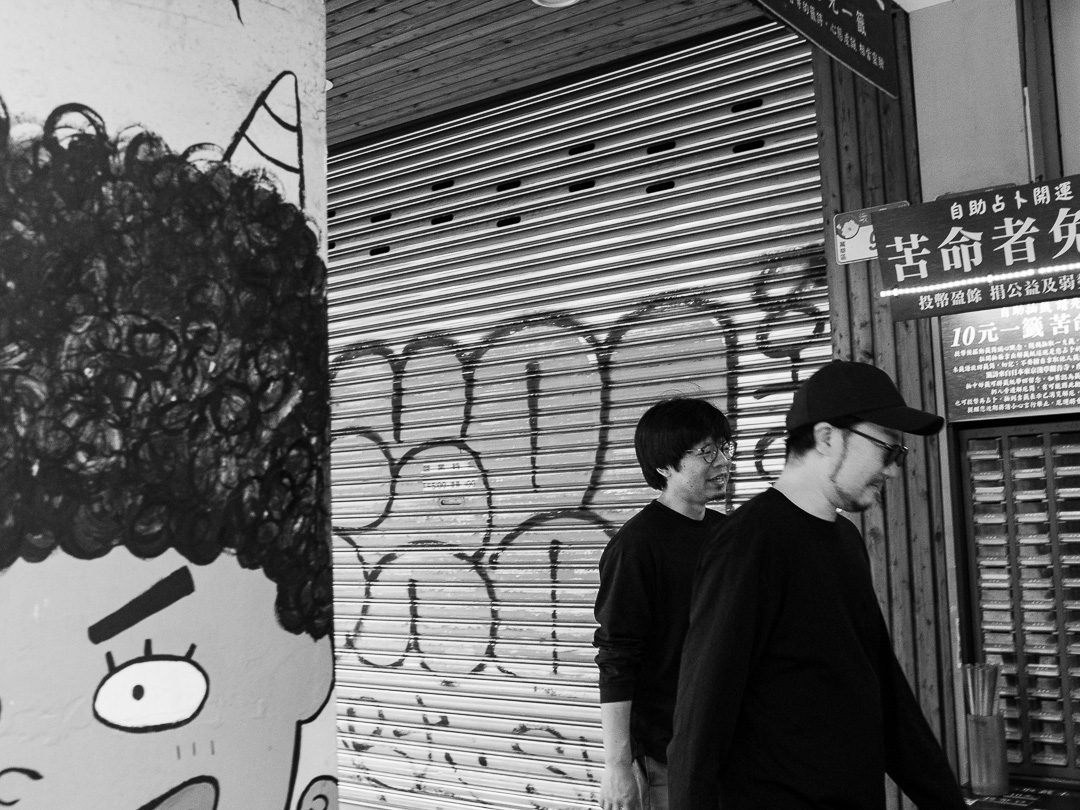
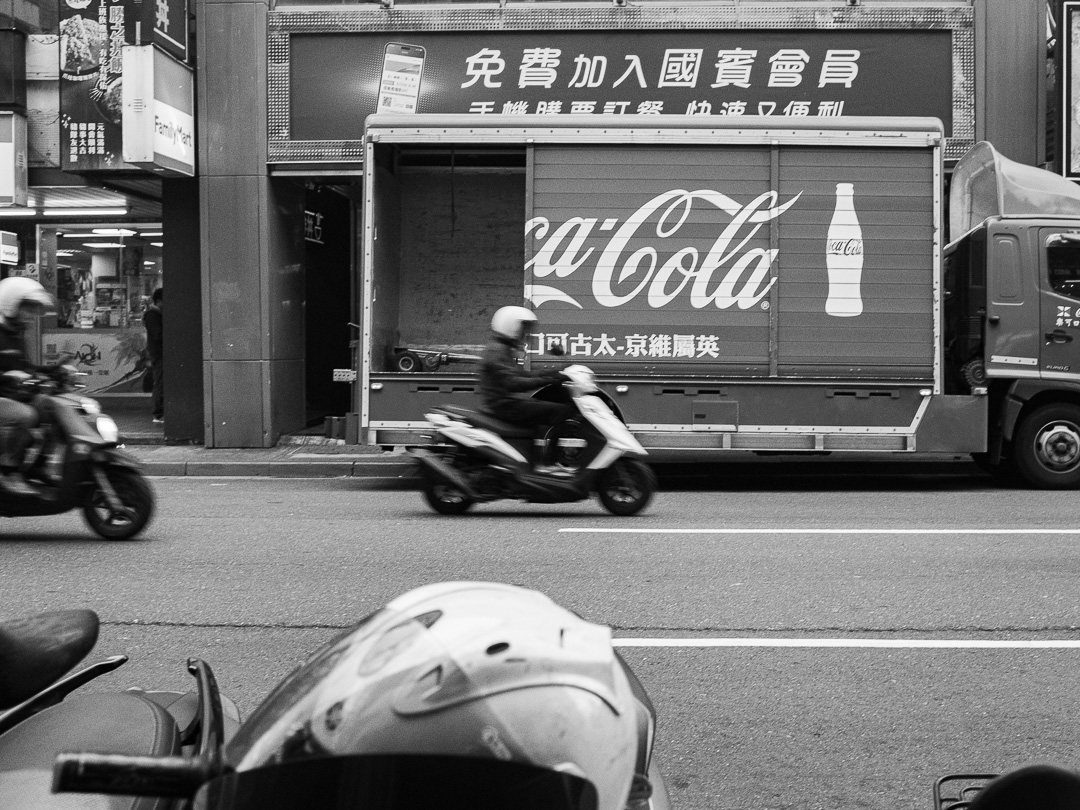
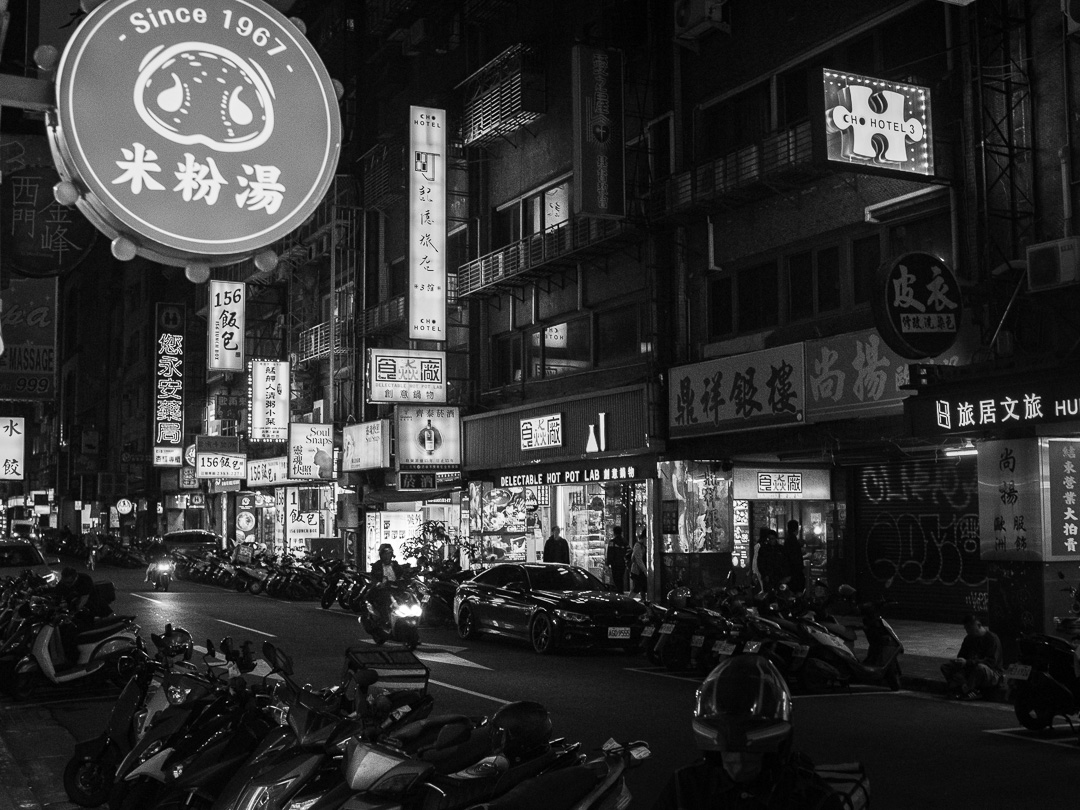
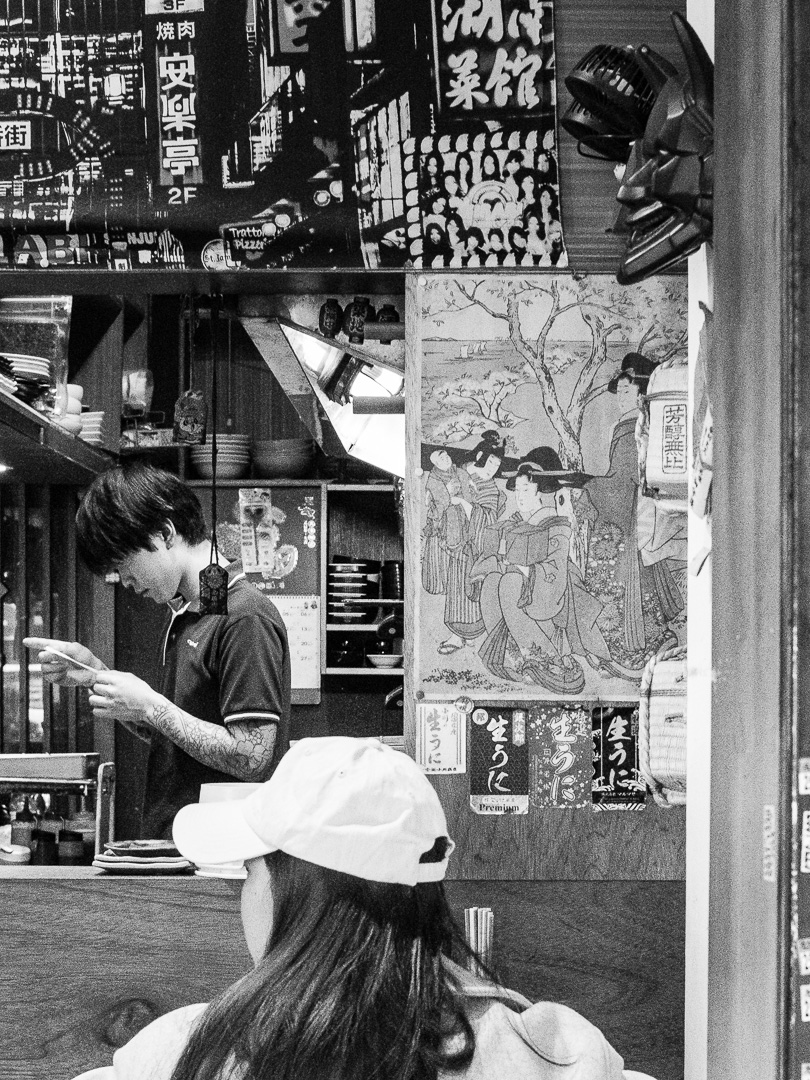
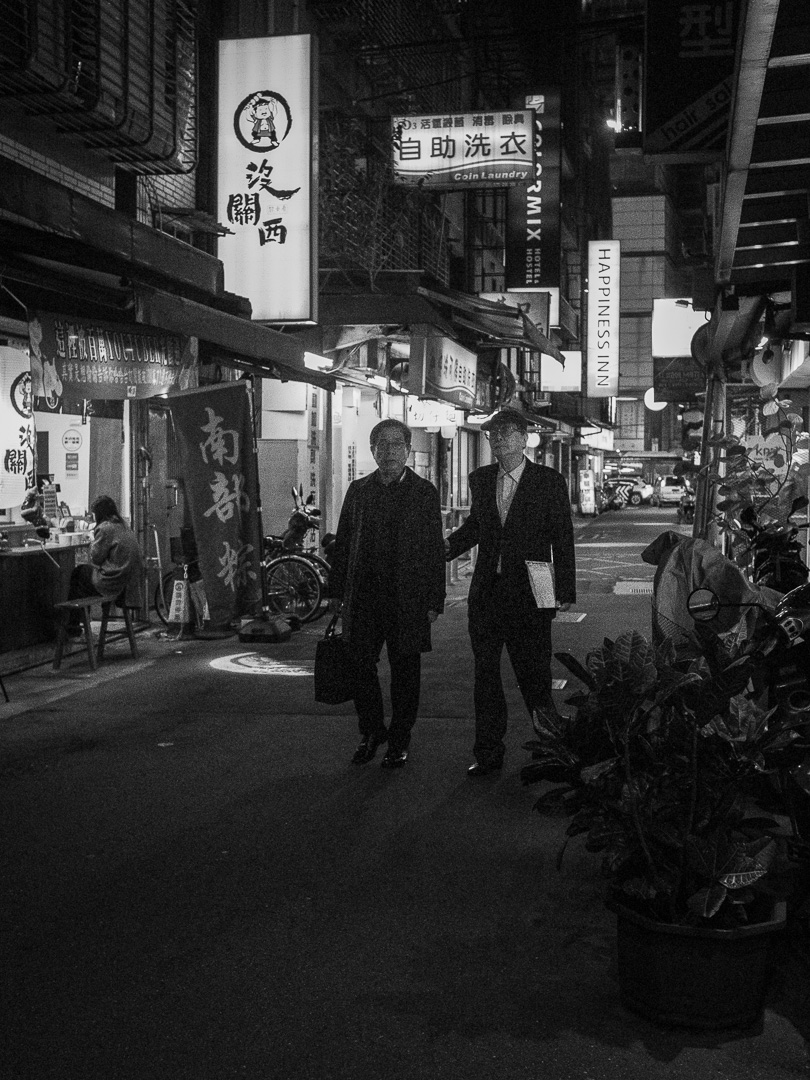
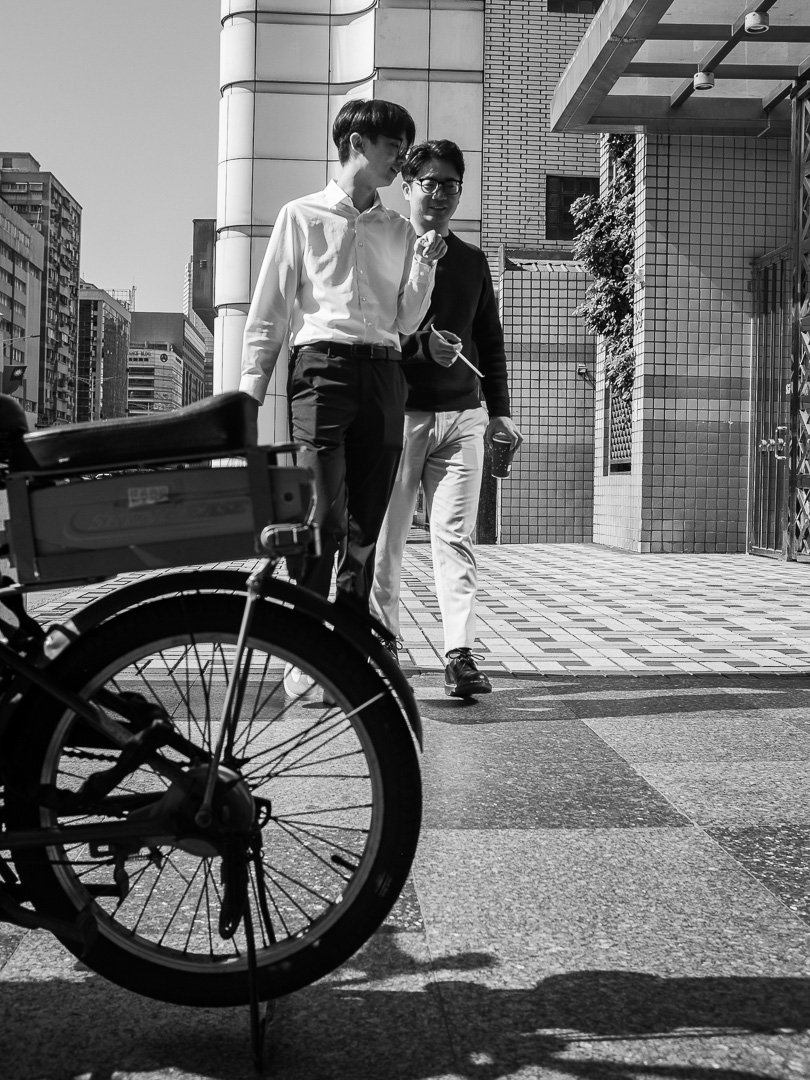
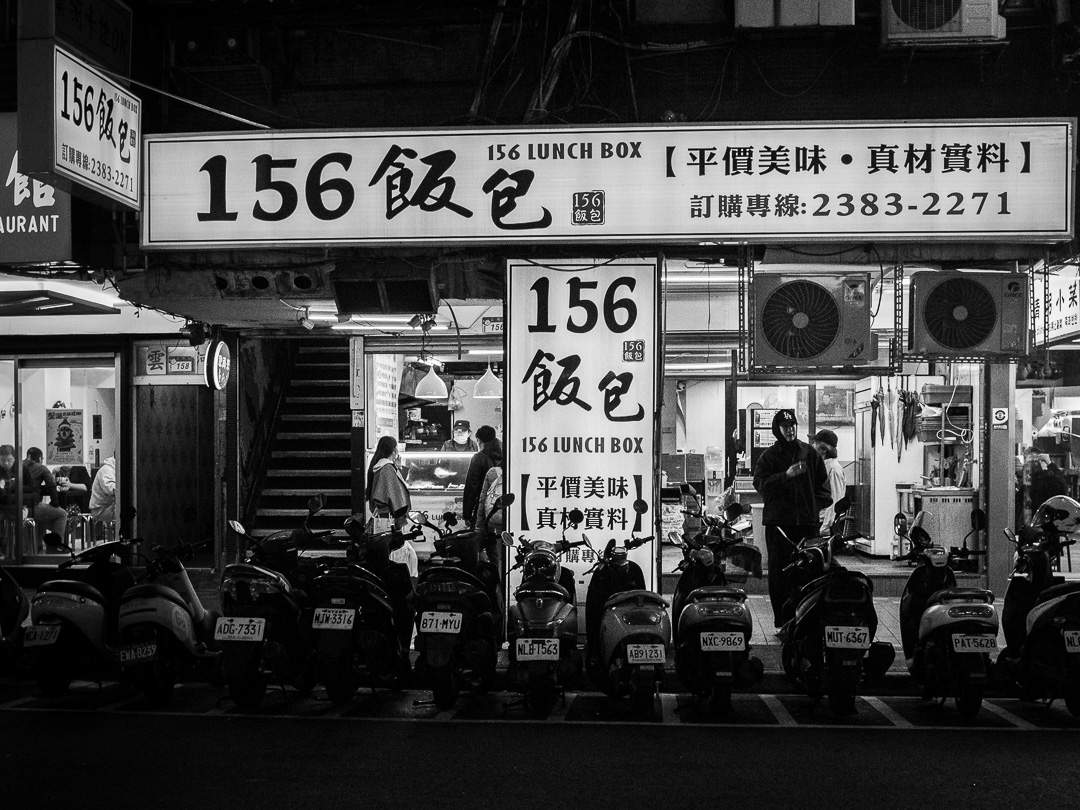
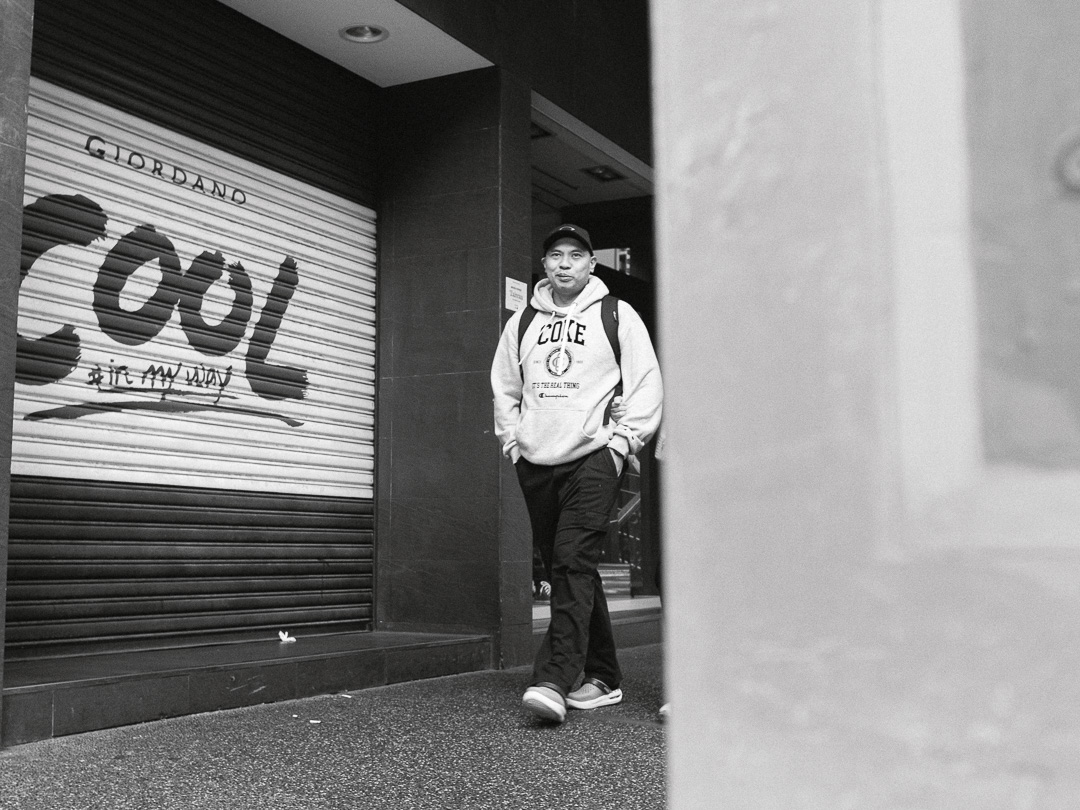
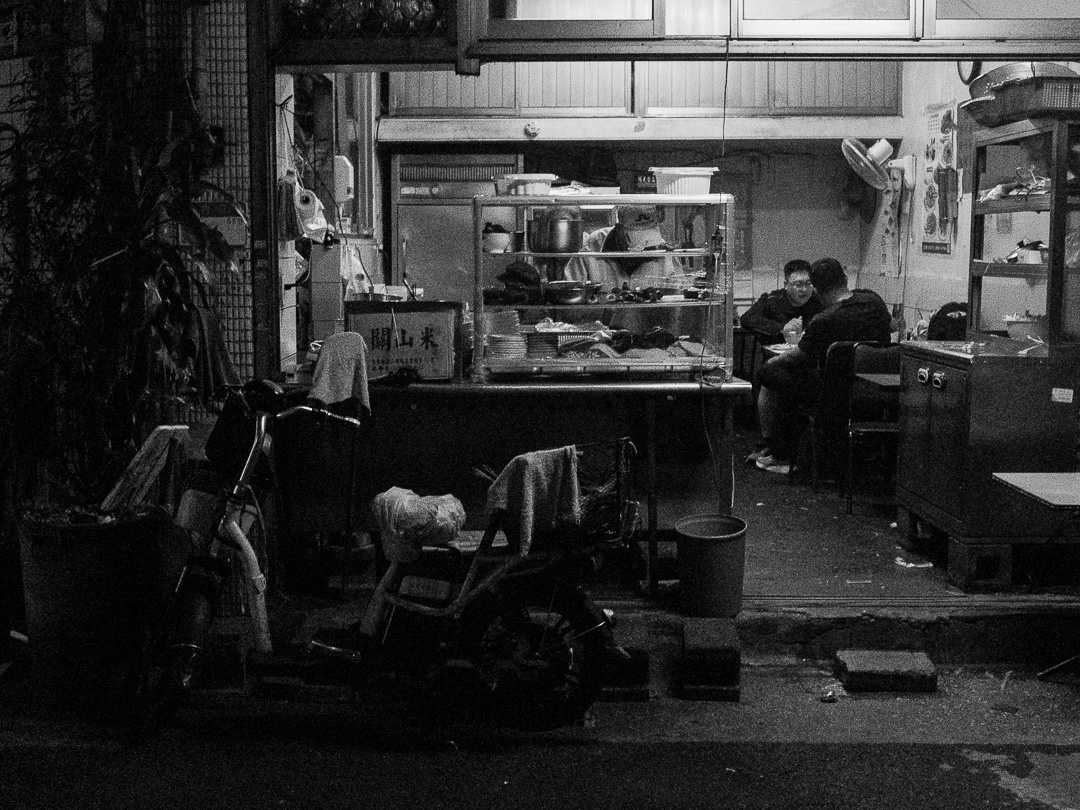
I spent a week in Taipei with a friend and took the opportunity to do some street photography while there. Having lived in mainland China for seven years, I expected Taiwan to be different, but I was truly surprised by how distinct it was in terms of culture, people, and architecture.
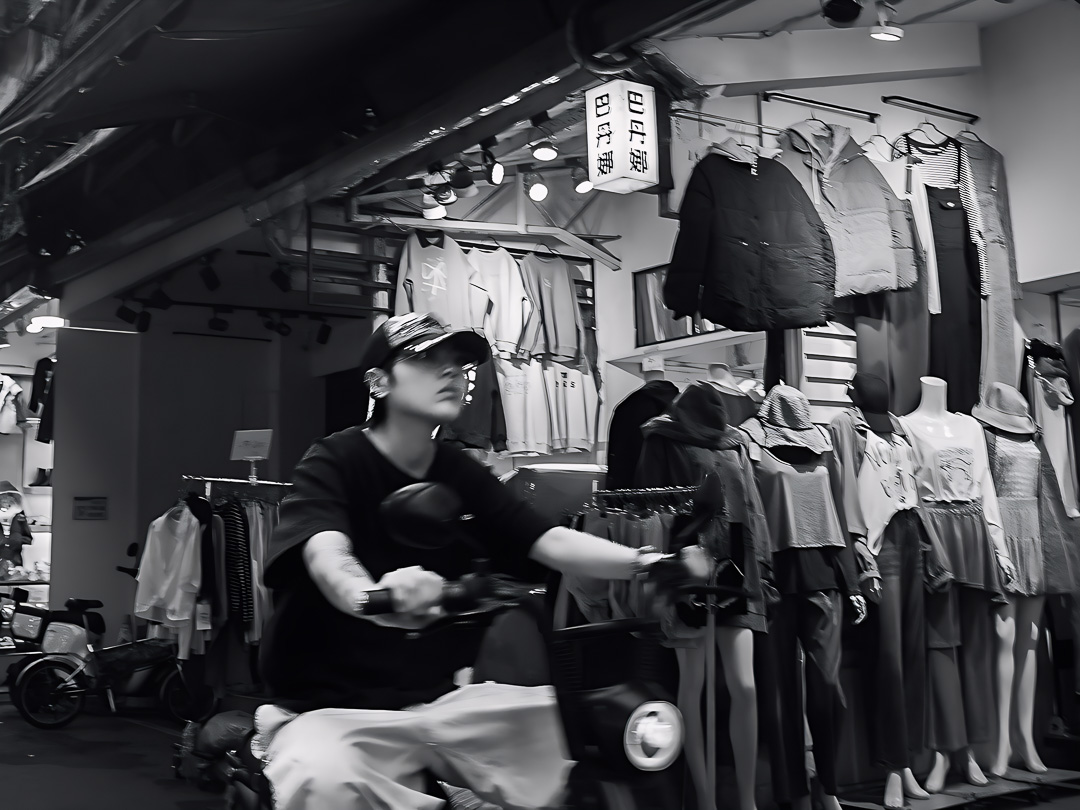
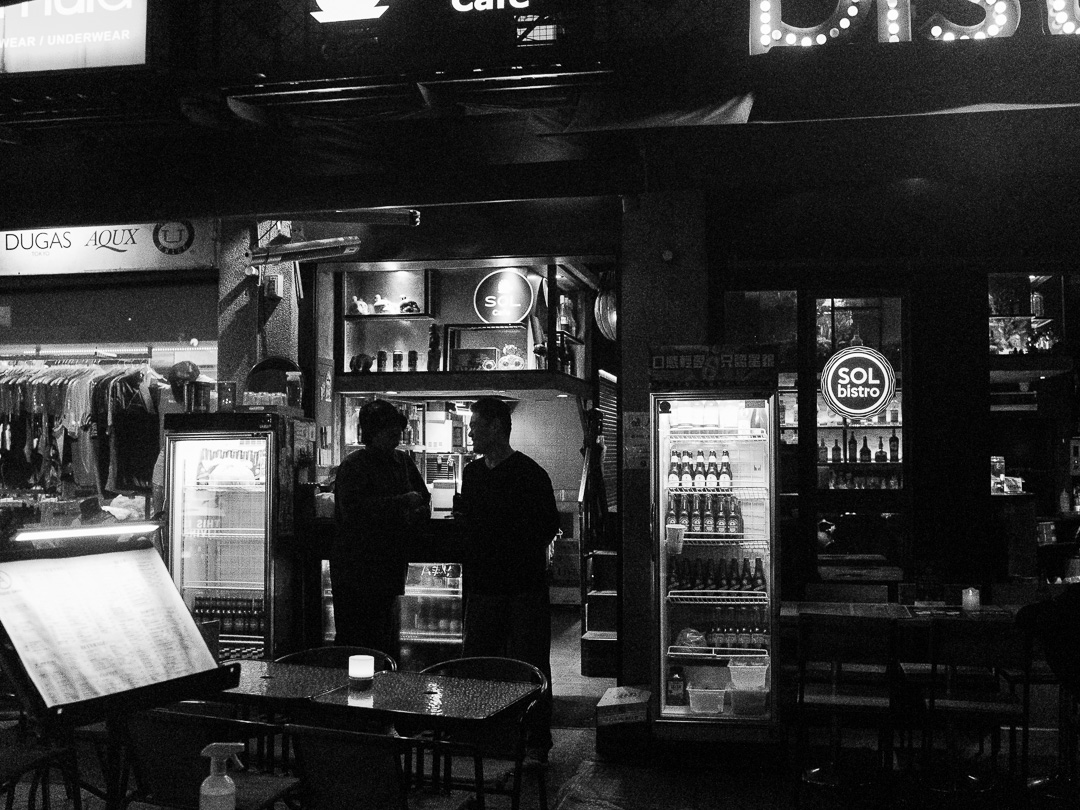
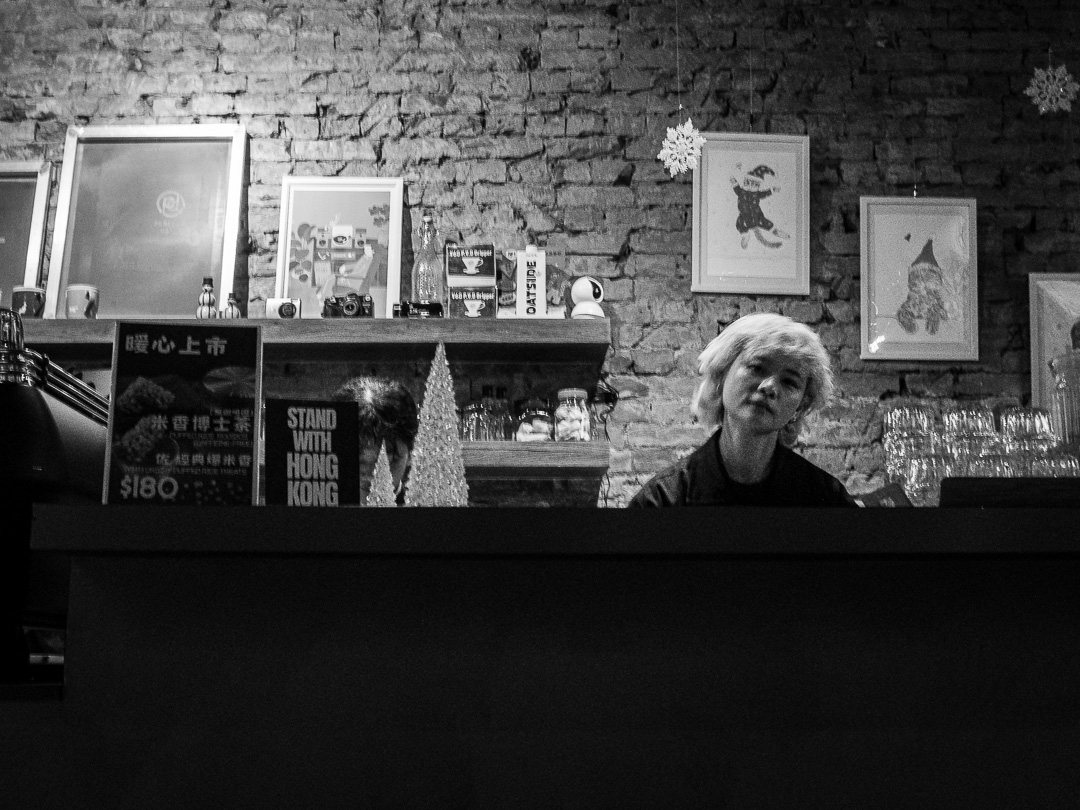
Two years before this holiday, I took a short trip to Japan. Taipei felt much more like Osaka or Tokyo than Guangzhou or Shanghai. While I was there, I joined a free walking tour that was very informative (check it out here!). The tour guide explained that Taiwan was ruled by the Japanese until the end of World War II. Other great things to do in Taipei include hiking Teapot Mountain, visiting the Beitou Hot Springs, exploring several night markets, and visiting temples. I also recommend checking out Mark Wiens’ video on street food. For street photography, the majority of the pictures below were taken in the Ximending district, which has a relaxed, hipster vibe.
Taipei: Street Photography in Ximending District
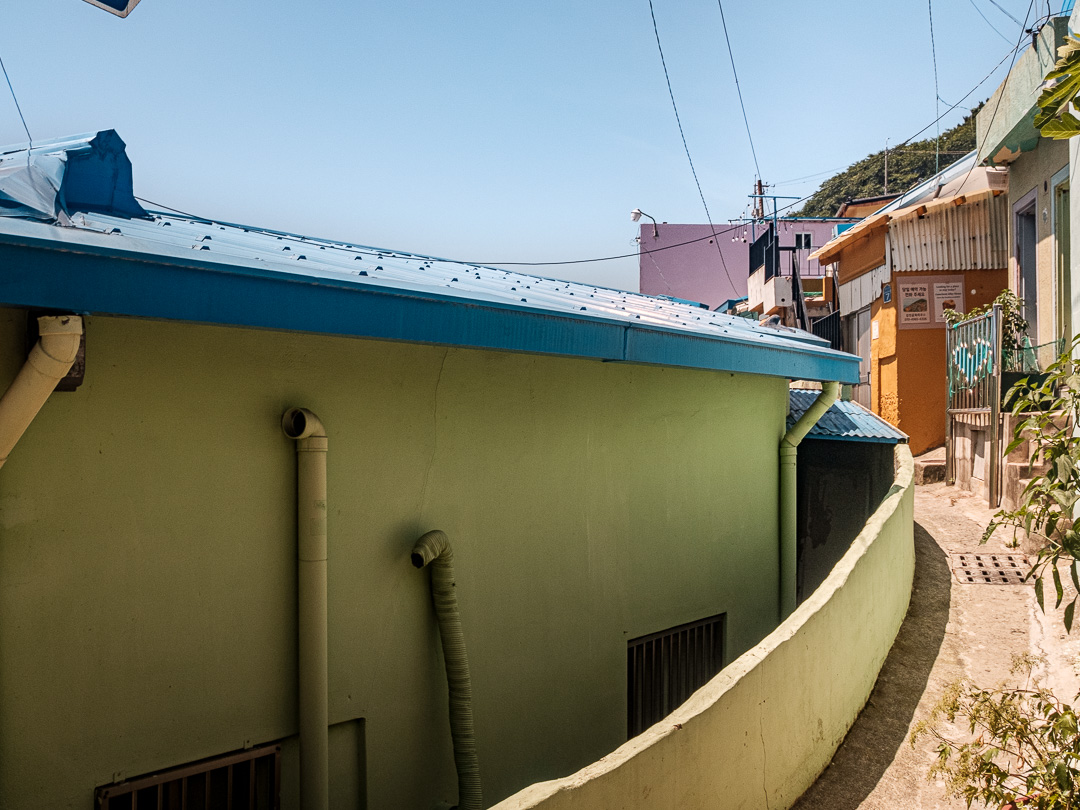
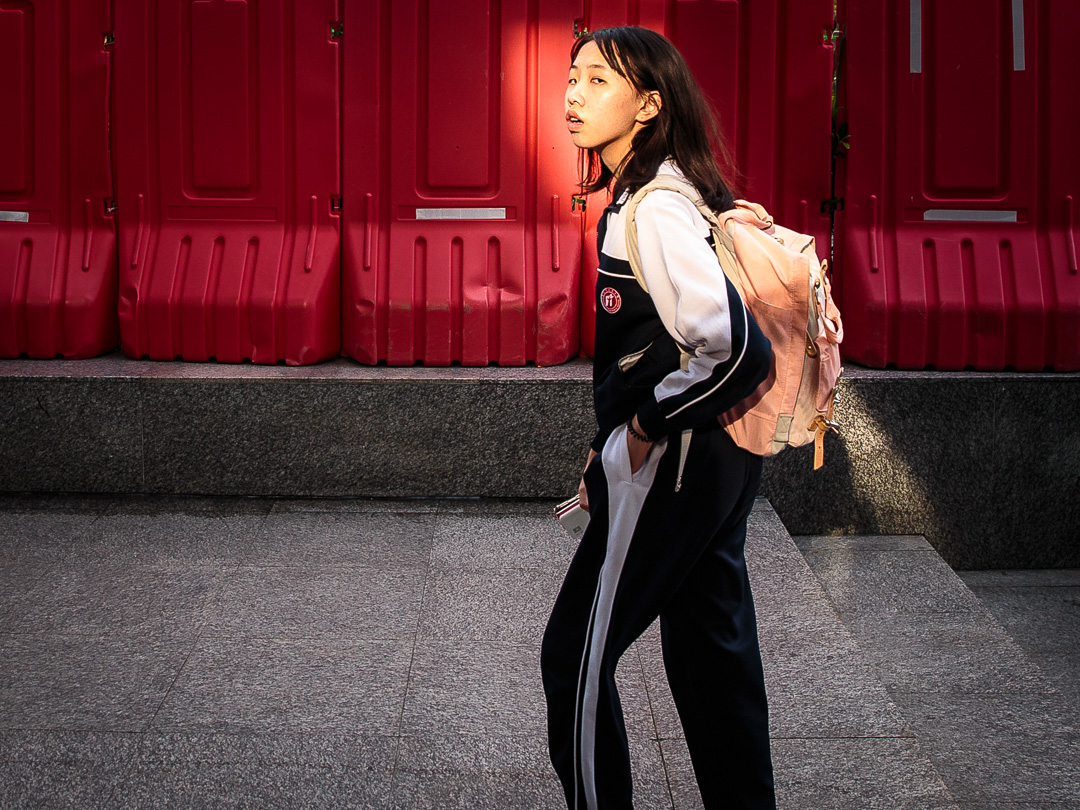
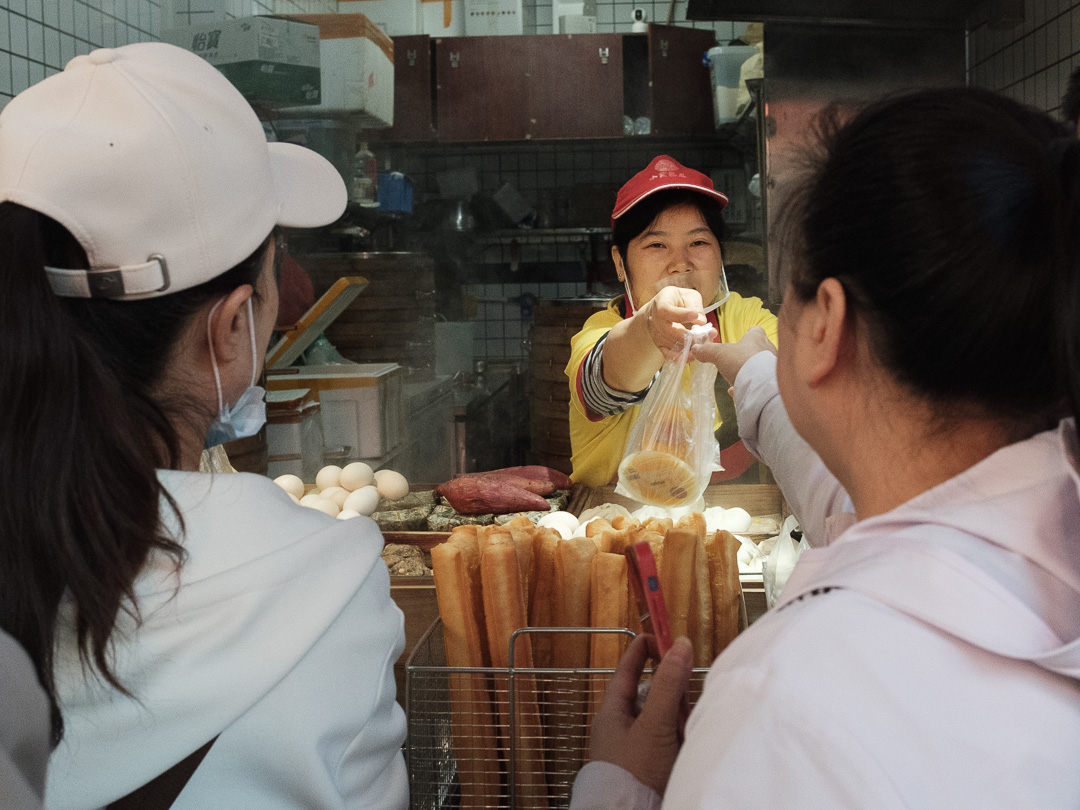
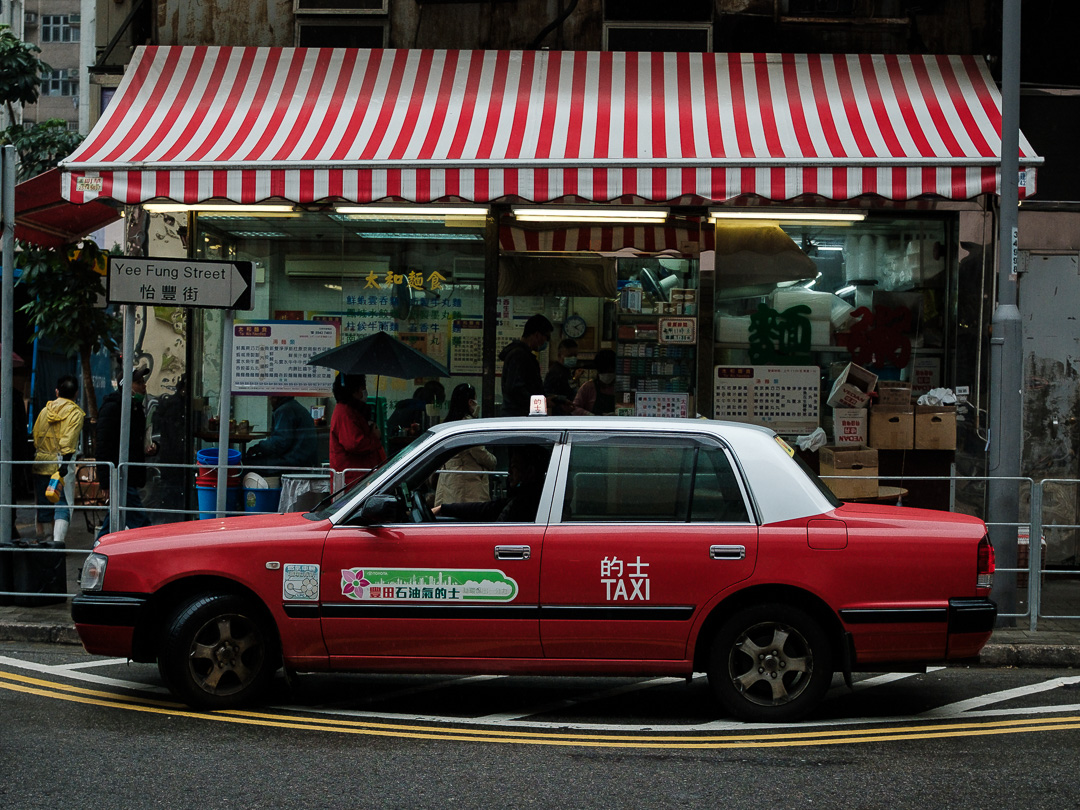
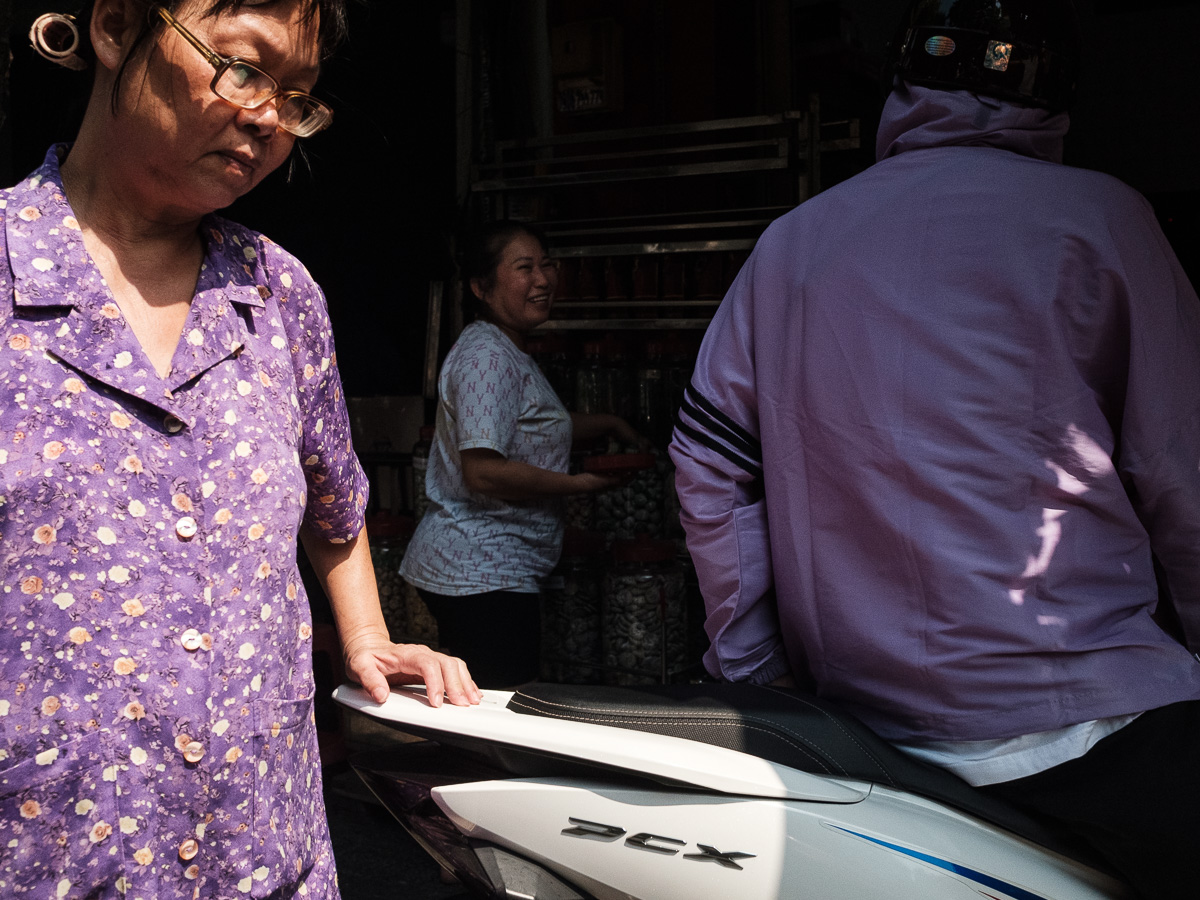
Ximending District is a vivid portrait of urban energy—where neon shop signs, late-night snack counters, and fast-moving crowds create a constantly shifting canvas. Photographing here means working with contrast: warm light against cool shadows, billboards reflected on wet pavement, and faces that look both everyday and cinematic in the blur of scooters and pedestrians. In Ximending, the best images often come from small moments—an almost-smile beneath a mask, a storefront display turned into a backdrop, or a burst of color from street fashion—capturing how Taipei’s downtown rhythm feels in real time.
Gear and Camera Settings
For the pictures in this set I used a Fujifilm X100Vi. I typically shoot with a minimum shutter speed of 1/500, although I often use higher speeds to capture sharp images. My aperture settings usually range between f/5.6 and f/8. I generally set the camera to continuous focus mode, as I frequently photograph people moving across the frame. I used Adobe Lightroom to edit these shots.